
AI Lip Sync

AI Lip Sync Video Generator

Make Photos and Videos Talk

Make a photo or video speak or sing with realistic AI lip sync. Add your audio or text, generate natural mouth movements, and preview the result online.

Photo or video inputAudio, text, or recording

Create a Lip Sync Video

Add a face and the speech you want it to follow.

Setup pending
1

Add a face

Upload a photo or video

2

Add a voice

Upload, type, or record

Generation stays disabled until ApiMart, R2, the database, real limits, and credit cost pass production testing.

Three steps

How to Make a Lip Sync Video

Prepare the face and speech, then review the generated result.

1

Upload a Photo or Video

Choose a clear portrait, talking-head clip, or character image with a visible face and mouth.

2

Add Audio or Enter Text

Upload a voice track, record a new clip, or enter a script when text-to-speech is enabled.

3

Generate and Review

Create the lip sync video, preview the timing, and revise or download the result.

Workflow

AI Lip Sync Features

Everything needed for a clear, controlled lip sync workflow.

Photo and Video Input

Start with a portrait image or an existing talking-head video clip.

Audio-Led Lip Sync

Prepare mouth movement from an uploaded or recorded voice track.

Text Workflow

Enter a script and select an available text-to-speech voice when that capability is configured.

Clear Generation Status

See upload, queue, processing, success, and failure states on the same page.

Preview Before Download

Review the generated clip and prepare another version when needed.

Sharing Controls

Keep work private or explicitly submit a result for moderated public examples.

A focused tool

Why Use LipSyncTool?

A focused workflow for preparing, generating, and reviewing AI lip sync video.

One Guided Workflow

Add the face, provide the speech, review the settings, and manage the result in one place.

Built for Lip Sync

The controls focus on mouth timing and voice input instead of a generic video prompt box.

Visible Task Progress

Follow upload, processing, success, and failure states without leaving the workspace.

Responsible Publishing

Consent confirmation and moderated examples are part of the intended publishing workflow.

Questions and answers

AI Lip Sync FAQ

Answers about the workflow, input quality, rights, and privacy.

What is AI lip sync?

AI lip sync analyzes a voice track and adjusts visible mouth movement in a photo or video so the speech follows the audio more closely.

How do I make a lip sync video?

Upload a supported photo or video, add audio or a script, review the displayed settings and credit cost, confirm your rights to the media, and start the generation task.

Can I animate a still photo?

The intended workflow supports portrait-based talking video. A clear, front-facing face with a visible mouth usually gives the model better visual information.

Can I lip sync an existing video?

The intended workflow accepts supported talking-head clips. Final duration, resolution, frame-rate, and file-size limits will be shown from the active model configuration.

Can I upload my own audio?

The tool is designed for audio upload and browser recording. The published format and size limits will match the server-side validation rules.

Can I generate a voice from text?

Text-to-speech can be enabled when a compatible voice provider is connected. Available voices and usage rights will be shown inside the tool.

How long does generation take?

Processing time depends on media length, resolution, provider load, and queue status. The interface shows the live task state instead of promising a fixed processing time.

How can I get a better result?

Use a clear front-facing face, keep the mouth visible, choose clean audio, and avoid source clips with heavy motion, fast cuts, or multiple overlapping speakers.

Can I use the result commercially?

Commercial use depends on your rights to the source media, face, voice, music, and the selected AI provider's terms. LipSyncTool cannot grant rights it does not own.

Will my upload appear in the public gallery?

The planned design keeps work out of the public gallery unless you explicitly submit it and it passes moderation. The final policy will match the implemented privacy controls.

AI lip sync guide

Create Talking Photos and Lip Sync Videos Online

A browser-based workflow for adding speech to portraits and talking-head video.

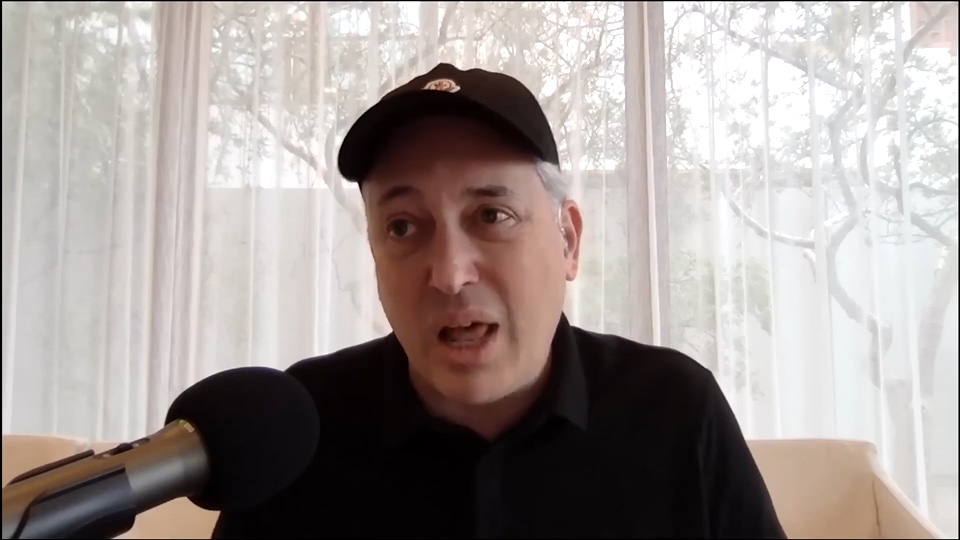
An AI lip sync video generator helps match visible mouth movement to a new voice track. Instead of adjusting every frame in a traditional editor, you provide the source media and the speech you want to use, then the model creates a new talking clip. This workflow can support narrated portraits, localized video, educational explainers, character content, product demos, and creative experiments.

Start with media where the main face is clear and the mouth is visible. A front-facing portrait or steady talking-head clip usually gives a model more consistent visual information than footage with fast cuts, strong motion blur, or frequent face turns. Next, add the speech. Depending on the enabled workflow, you can upload an audio track, record a voice clip, or enter a script for text-to-speech.

Before generation, the tool should show the active media limits, selected model, expected credit cost, and consent confirmation. The generated result should be treated as a draft that needs review. Check consonants, pauses, head movement, and the beginning and end of the audio. If timing is not right, try cleaner audio, a shorter segment, or source media with a more visible face.

Lip sync technology also requires responsible use. Only upload a face, voice, video, image, music track, or script that you are allowed to use. Do not use the service for impersonation, fraud, harassment, non-consensual intimate content, misleading political media, or content involving a minor without appropriate authorization. A generated video does not transfer copyright, publicity rights, or commercial permissions from another person or platform.

LipSyncTool is designed to keep this workflow in one browser-based workspace: add the source, provide the speech, follow generation status, review the output, and manage the finished file. Product limits and account rules should always come from the current configuration so the page describes the service as it actually operates.

Prepare Your First Lip Sync Video

Add a face and a voice in the generator above. Model availability and usage rules are displayed before generation.

Open the Generator